The program, in the dashboard and in their pockets
Build the schedule in the dashboard: tracks, rooms, times, speakers with photos and bios attached to their sessions. It renders in the attendee app, and it stays editable while the event is running.
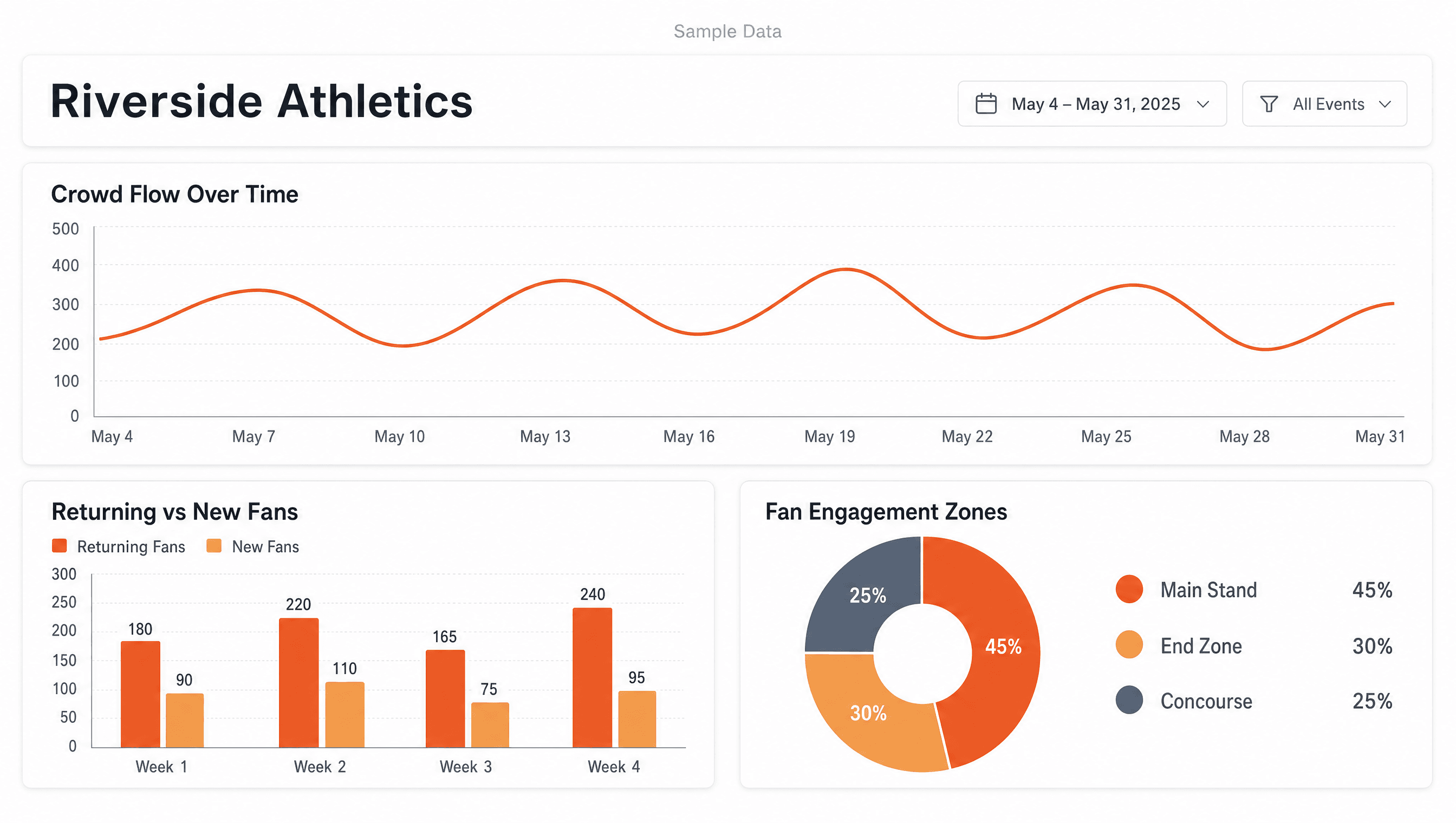
Attendance you can put in the wrap-up deck
After the event you get registered, attended, and returning, side by side. Reach the people who showed up before next year's announcement, not the people who only bought.
One list of people, wherever they registered
Collect registrations on your own event page, or import the orders you already sold as a CSV from your current ticketing platform. Either way you end up with one list of people, not one list of purchases, and every registration carries its own QR code.
Questions you might have
A speaker will cancel the morning of. They always do.
Swap the speaker or move the session in the dashboard and the app follows immediately. Announce the change in the same tap so the alert and the schedule never disagree.
Who owns the attendee data?
The registration details each attendee gives you when they sign up, such as name and email, plus the time they were scanned in at the door. It is your data as the organizer. We use it to show you who registered, who attended, and who returned. We do not sell it and we do not use it for advertising.
We already use a ticketing platform.
Keep it. Import the orders as a CSV; Zeva takes no cut and replaces nothing. You get the agenda, the app, the door, and the report on top of the sales channel you already trust.
Bring your program.
Book a demo30 minutes. We'll walk your event through it.
Create your accountFree while we're early. Build your event today.